Diaper changes
You changed a wet diaper while someone else prepared a bottle. Record it once, then check the saved change in the baby's history at the next handoff.
See a diaper change become a record.
Silent screen recording with fictional family data. A caregiver selects Pee and sees the completed confirmation and saved wet-diaper record.
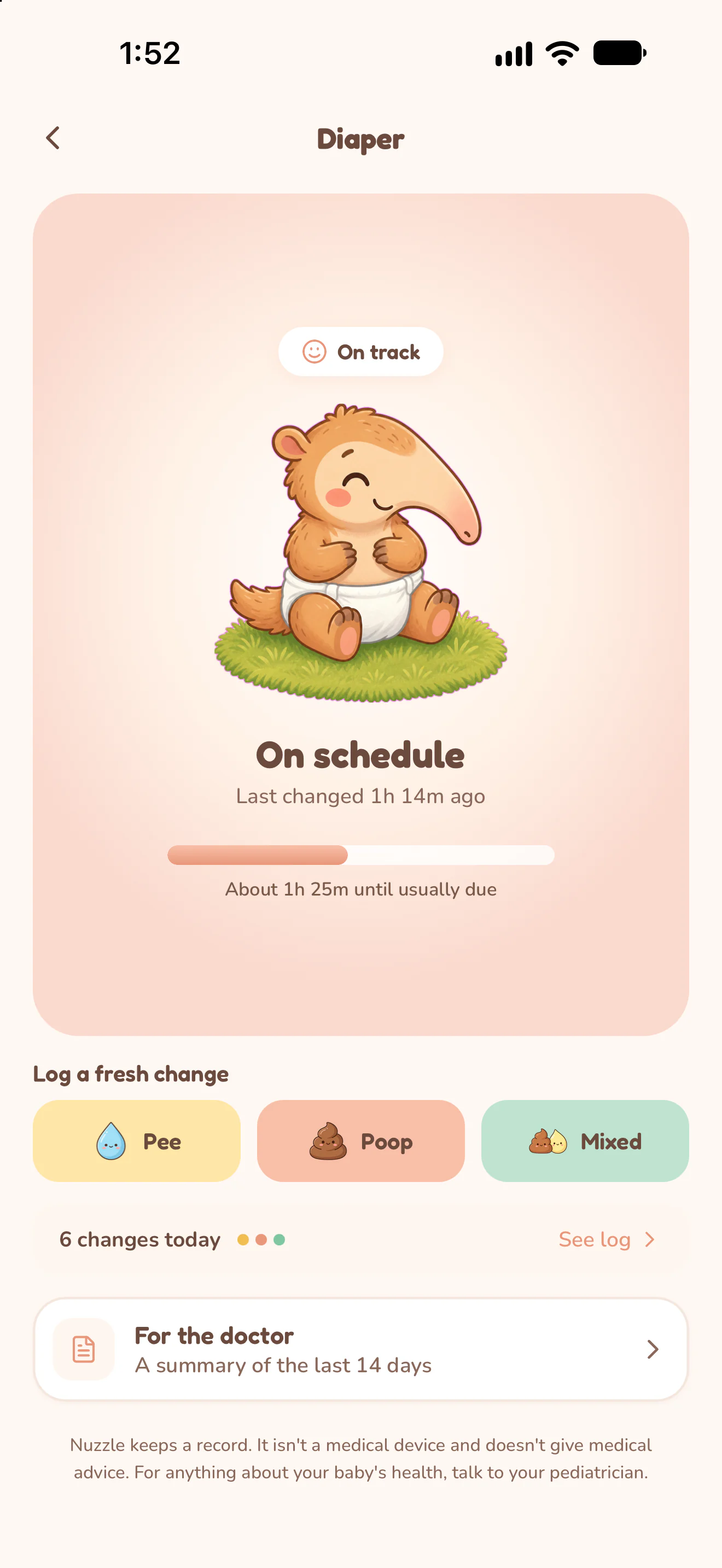
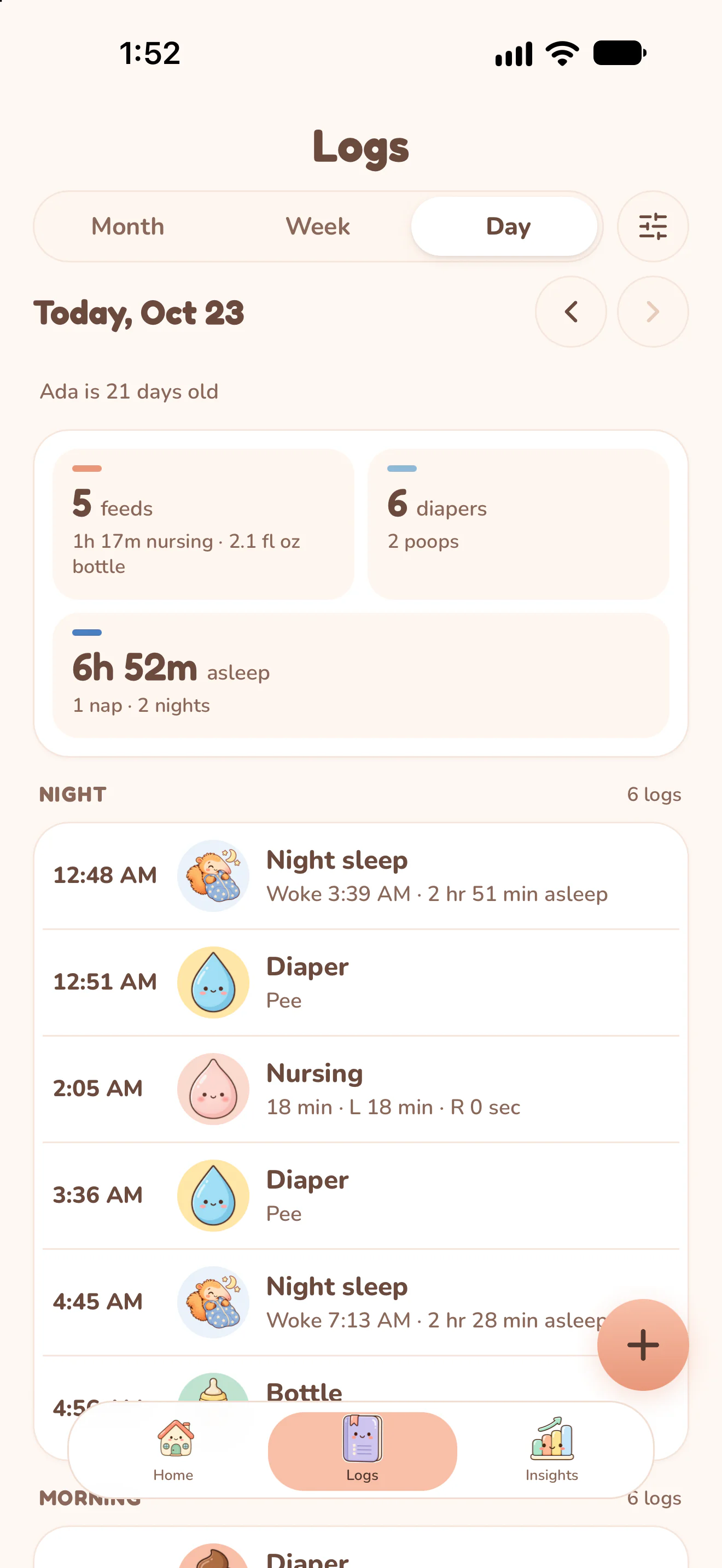
Actual Nuzzle screens with fictional family records.
How it works.
Open Diaper for the right baby.
Use the Diaper action on Home or the diaper tracker. Check which baby's record is selected before logging.
Choose the change type.
Select Pee, Poop or Mixed to match the actual change. Save the entry and check its confirmation.
Let the confirmation finish.
Check the saved result and the day's counts. Each entry belongs to this baby, with its recorded time and caregiver.
Find the entry in history.
Open the day's care history to review diaper entries. Use Insights when you want to look at recorded changes across the week.
Keep the day connected.
Start today's record.
The next feed, the next nap and every first, in one record your whole family can see.