Growth & development
After a checkup, record the measurements with their date. Between visits, note an observed milestone or a new tooth. Bring your records and questions to the next appointment.
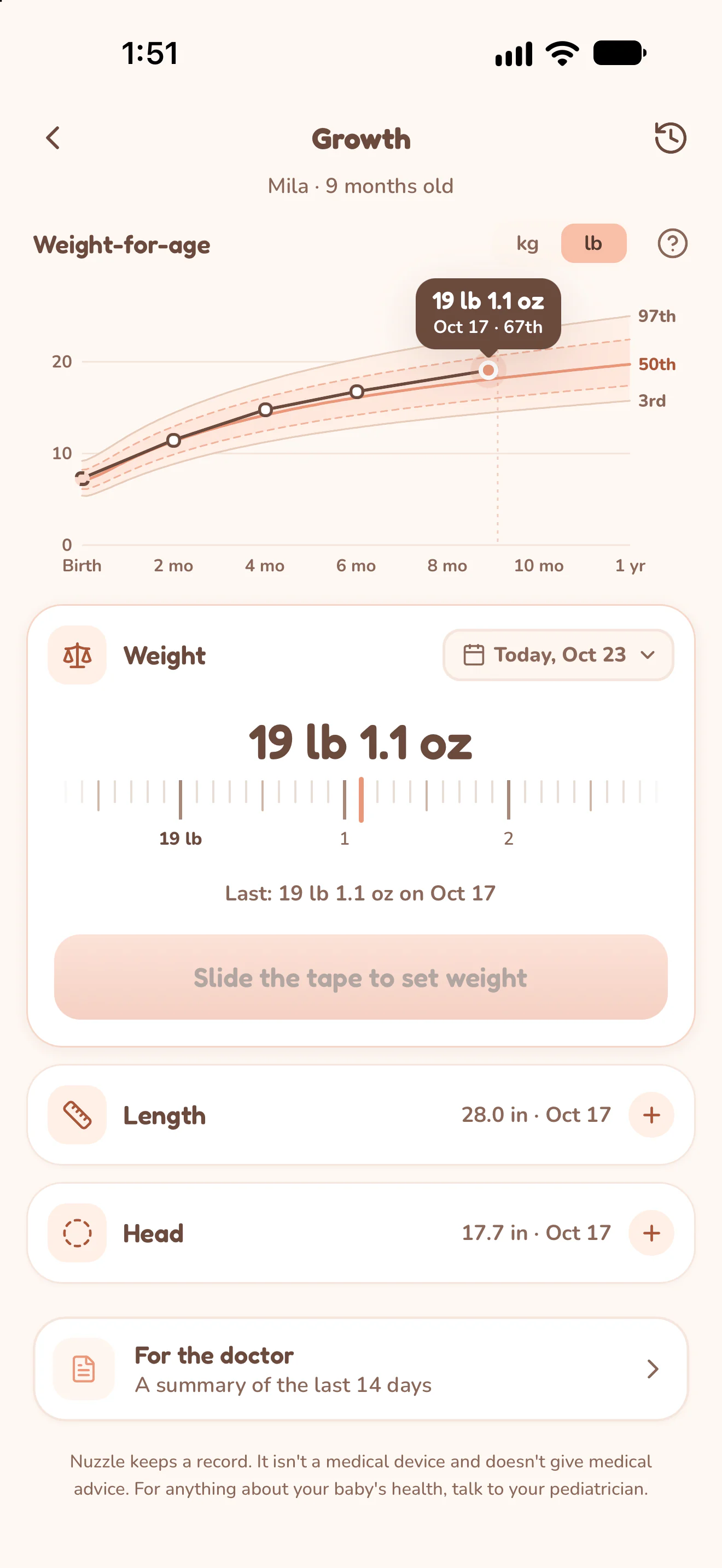
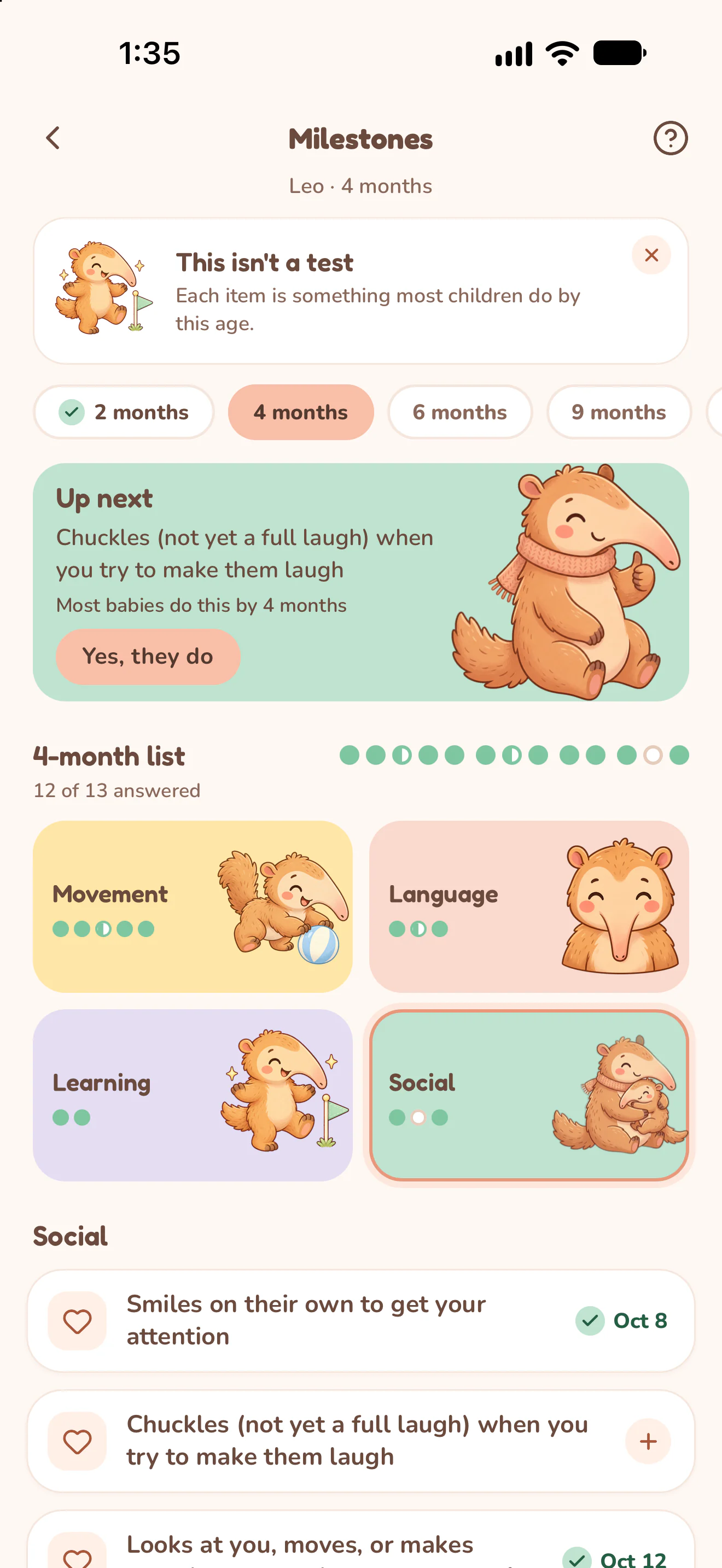
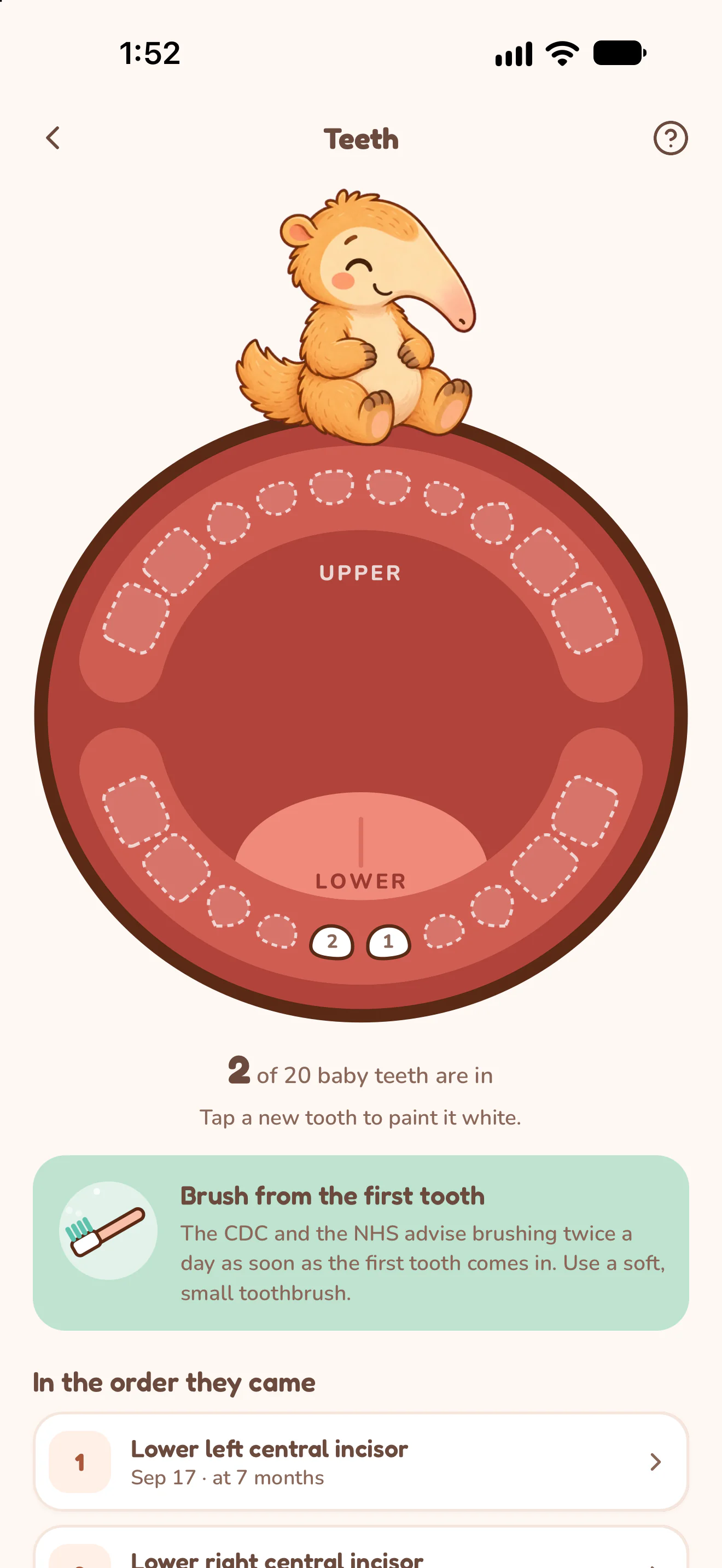
Actual Nuzzle screens with fictional family records.
How it works.
Add a dated measurement.
Open Growth, select Weight, Length or Head, check the date and unit, then set and save the measured value. Use the measurement history to revisit earlier entries.
Read the chart with its labels.
The chart places saved measurements over time. With the required birth details, Nuzzle also shows WHO reference lines and percentiles. Check the measurement, date and unit before interpreting a point.
Record what you've observed.
Open Milestones, choose the age list and browse Movement, Language, Learning and Social. Record an observation when it fits, and keep questions to ask your doctor.
Mark a tooth when it appears.
Open Teeth and tap the tooth on the chart. Save its date, then find the teeth in the order they came. Growth, teeth and milestone questions can also appear in the doctor's report.
Open a real sample report.
These PDFs were exported by Nuzzle using fictional records. They are the original app output, including charts and summaries, rather than blank worksheets.
Open Mila's sample PDF with temperature, medicine and growth records (4 pages, 208 KB).
Keep the day connected.
Start today's record.
The next feed, the next nap and every first, in one record your whole family can see.