Sleep
When a baby wakes, finish the sleep record. Later, review that day's sleep or move through the history to see what you actually recorded.
When the nap ends.
A nap timer is running for fictional Leo. The caregiver chooses Woke up. Nuzzle returns to the awake state and confirms that the nap was logged. Silent screen recording.
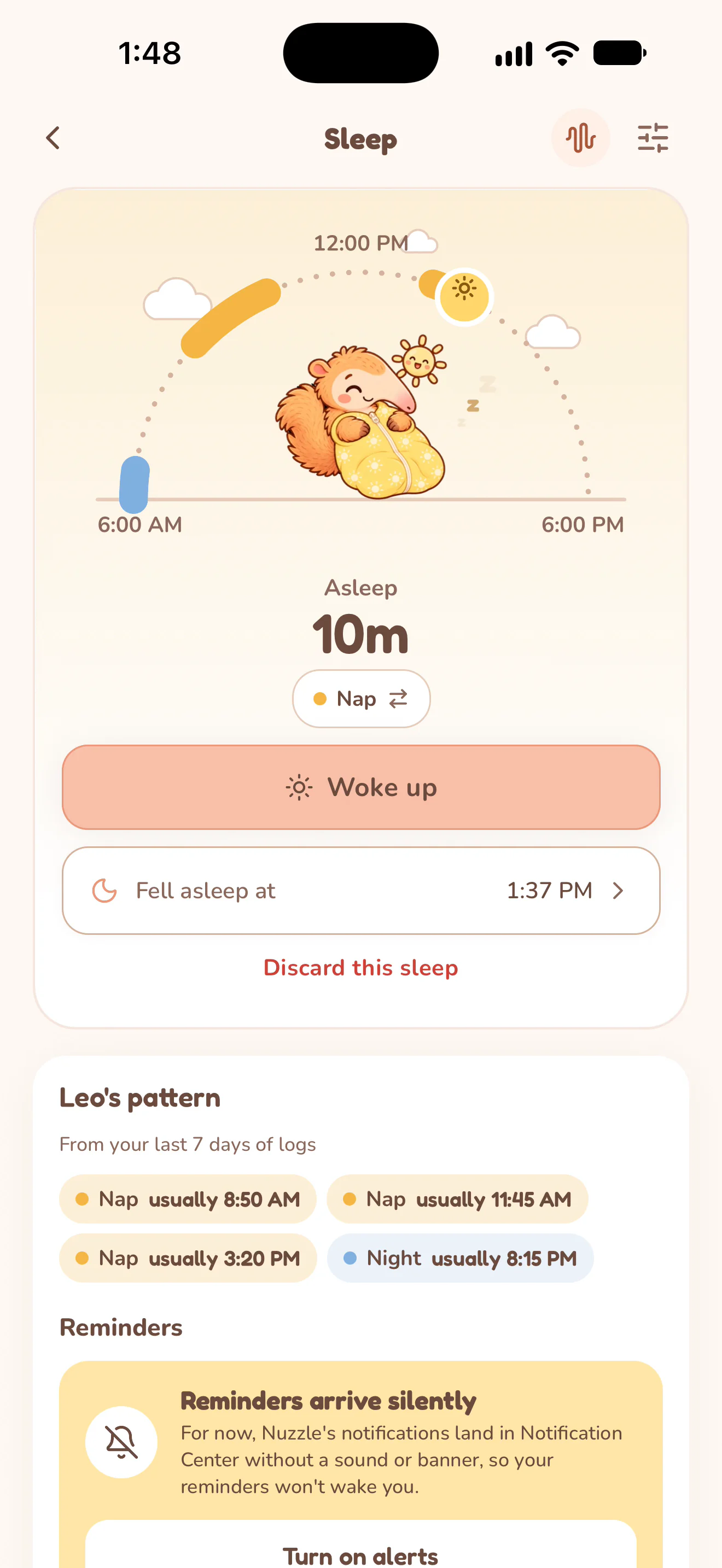
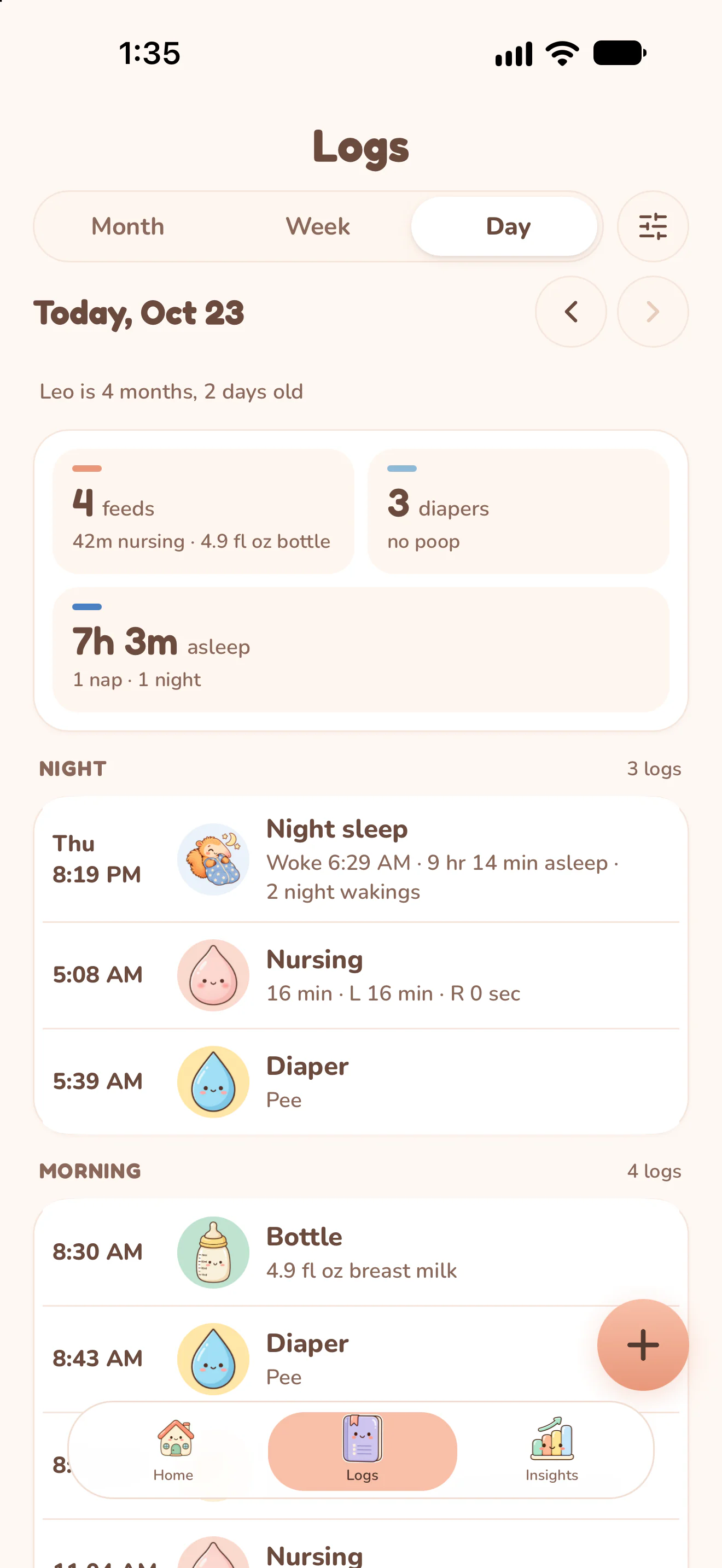
Actual Nuzzle screens with fictional family records.
How it works.
Start a real sleep record.
Open Sleep and start the timer when the baby falls asleep. Nuzzle keeps the running sleep with the selected baby.
Finish when the baby wakes.
End the sleep and check the recorded start and end times. If you missed starting a timer, add a past sleep that ended today or yesterday using its actual times.
Read the day and the week.
Move between the sleep day's records and the week view. Review recorded duration and the distinction between daytime and nighttime sleep.
Keep the context with the record.
Use care history and Insights to compare the sleep entries with the feeds and changes you recorded around them.
Keep the day connected.

Start today's record.
The next feed, the next nap and every first, in one record your whole family can see.